
Cowpatty 2 0 Windows 10
Feb 21, 2019 How to install cowpatty? Log in or Sign up. How to install cowpatty? Discussion in 'Ubuntu Forums' started by UBUNTUOOP, Jan 4, 2017. Hello and welcome JordanHardware.com Post about your Windows 10 problems here and all your other IT related problems. Signing up is free and takes a few seconds. In order to download cowpatty you just have to click on the Free Download button above and you'll be able to save the 0 setup on your computer. The latest version was released on 2004-11-10 and is compatible with WinXP,WinVista,Win7 x64,Win7 x32.
CoWPAtty - Brute-force dictionary attack against WPA-PSK. Copyright(c) 2004-2018 Joshua Wright -------------------------------------------------------------------------------- INTRO Right off the bat, this code isn't very useful. The PBKDF2 function makes 4096 SHA-1 passes for each passphrase, which takes quite a bit of time. On my Pentium II development system, I'm getting ~4 passphrases/second. The SHA-1 code I'm using has been optimized to the best of my ability (which isn't saying that much), but I doubt if it would be possible to optimize it such that the tool experiences an exponential performance increase.
However, if you are auditing WPA-PSK or WPA2-PSK networks, you can use this tool to identify weak passphrases that were used to generate the PMK. Supply a libpcap capture file that includes the 4-way handshake, a dictionary file of passphrases to guess with, and the SSID for the network: $./cowpatty -r eap-test.dump -f dict -s somethingclever cowpatty 4.0 - WPA-PSK dictionary attack.
Collected all necessary data to mount crack against WPA/PSK passphrase. Starting dictionary attack. Please be patient. The PSK is 'family movie night'. Gta san andreas download for pc. 4087 passphrases tested in 59.05 seconds: 69.22 passphrases/second $ The files 'dict' and 'eap-test.dump' are included with this distribution for testing purposes. If your SSID has spaces or other non-ASCII characters, enclose it in quotes so the shell doesn't interpret it as multiple parameters.
This tool can also accept dictionary words from STDIN, allowing us to utilize a tool such as John the Ripper to create lots of word permutations from a dictionary file: $ john -wordfile:dictfile -rules -session:johnrestore.dat -stdout:63 cowpatty -r eap-test.dump -f - -s somethingclever In the default configuration of John the Ripper, common permutations of dictionary words will be sent as potential passwords to coWPAtty. For example, here is a list of the words John will create from the input word 'password': jwright@mercury:~$ echo password >word jwright@mercury:~$ john -session:/tmp/delme -wordfile:word -rules -stdout password Password passwords password1 Password1 drowssap 1password PASSWORD password2 password! Password3 password7 password9 password5 password4 password8 password6 password0 password. Psswrd drowssaP Drowssap passworD 2password 4password Password2 Password! Password3 Password9 Password5 Password7 Password4 Password6 Password8 Password. Password0 3password 7password 9password 5password 6password 8password Passwords passworded passwording Passworded Passwording words: 49 time: 0:00:00:00 100% w/s: 49.00 current: Passwording jwright@mercury:~$ John the Ripper is available at.
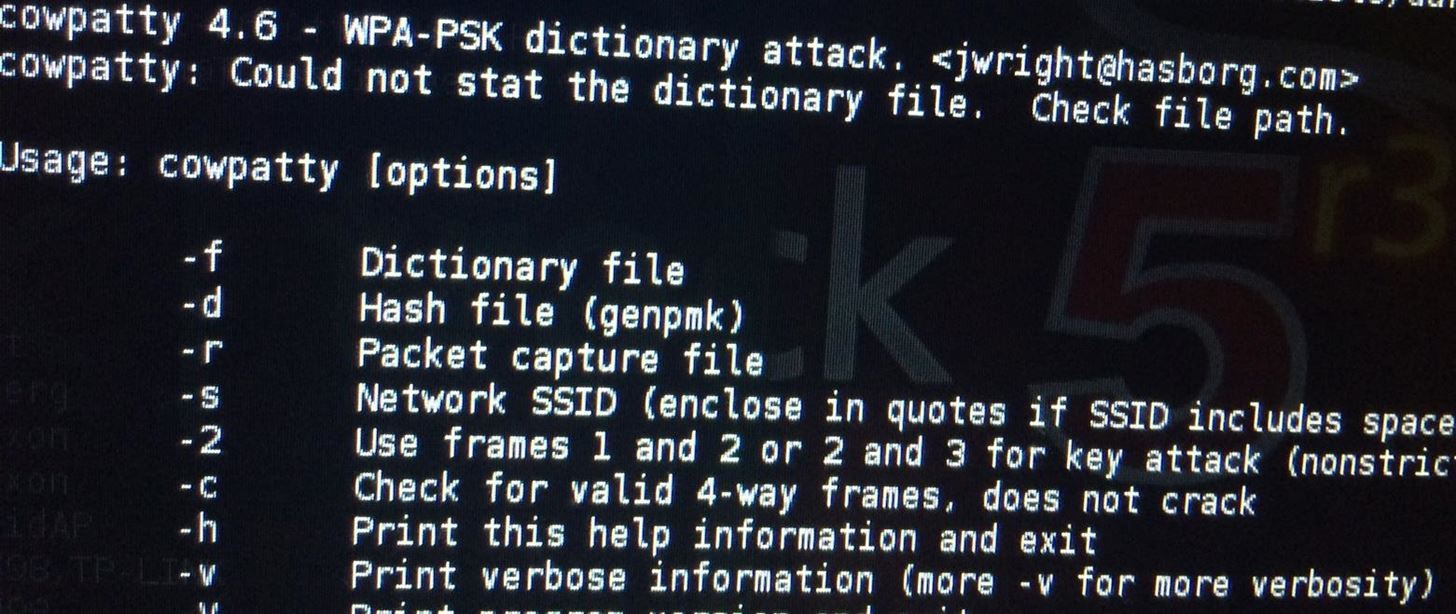
Note that it is also possible to mount a precomputed attack against the PSK. The PBKDF2 algorithm used to generate the PMK takes two non-fixed inputs: the passphrase and the network SSID. For a given SSID, we can precompute all the PMK's from a dictionary file with the 'genpmk' tool: $./genpmk genpmk 1.0 - WPA-PSK precomputation attack.